
Unable to find what you're searching for?
We're here to help you find itGoogle Workspace administration training prepares you to manage users, secure data, and enforce compliance. Master these skills through hands-on labs to earn your professional certification.
500K+ certified professionals


























Explore Workspace certification and training courses — delivered live by certified instructors.
Google Workspace is a cloud-based productivity and collaboration platform published by Google that integrates communication, content creation, and data management tools to streamline teamwork and business operations. It forms part of Google's enterprise suite, designed to support secure, real-time collaboration across distributed teams. Core components include Gmail for custom business email, Calendar for scheduling and appointment management, Meet for video conferencing and meeting transcription, Chat for team messaging, Drive for secure cloud storage, Docs, Sheets, and Slides for collaborative document creation, Forms for surveys, Sites for intranet or project sites, and Tasks for workflow management. Administrative control is enabled through Admin, Vault for data governance, Endpoint for device management, and automation via Apps Script, with AI enhancements powered by Gemini. IT administrators, project managers, remote teams, and business professionals use Google Workspace to centralize communication, maintain data security, and enable seamless collaboration across devices and locations.
Admin Console Navigation
Locate and use management sections in the Google Admin console
User Lifecycle Management
Create, update, suspend, and delete user accounts in Workspace
Core Services Configuration
Configure Gmail, Drive, and Calendar settings for organizational units
Security Policy Enforcement
Apply two-step verification and password policies across user groups
Data Access Controls
Manage sharing permissions for files, folders, and email in Drive
Endpoint Management
Enroll and manage mobile devices and Chrome browsers in Workspace
The building blocks every Workspace solution is made of
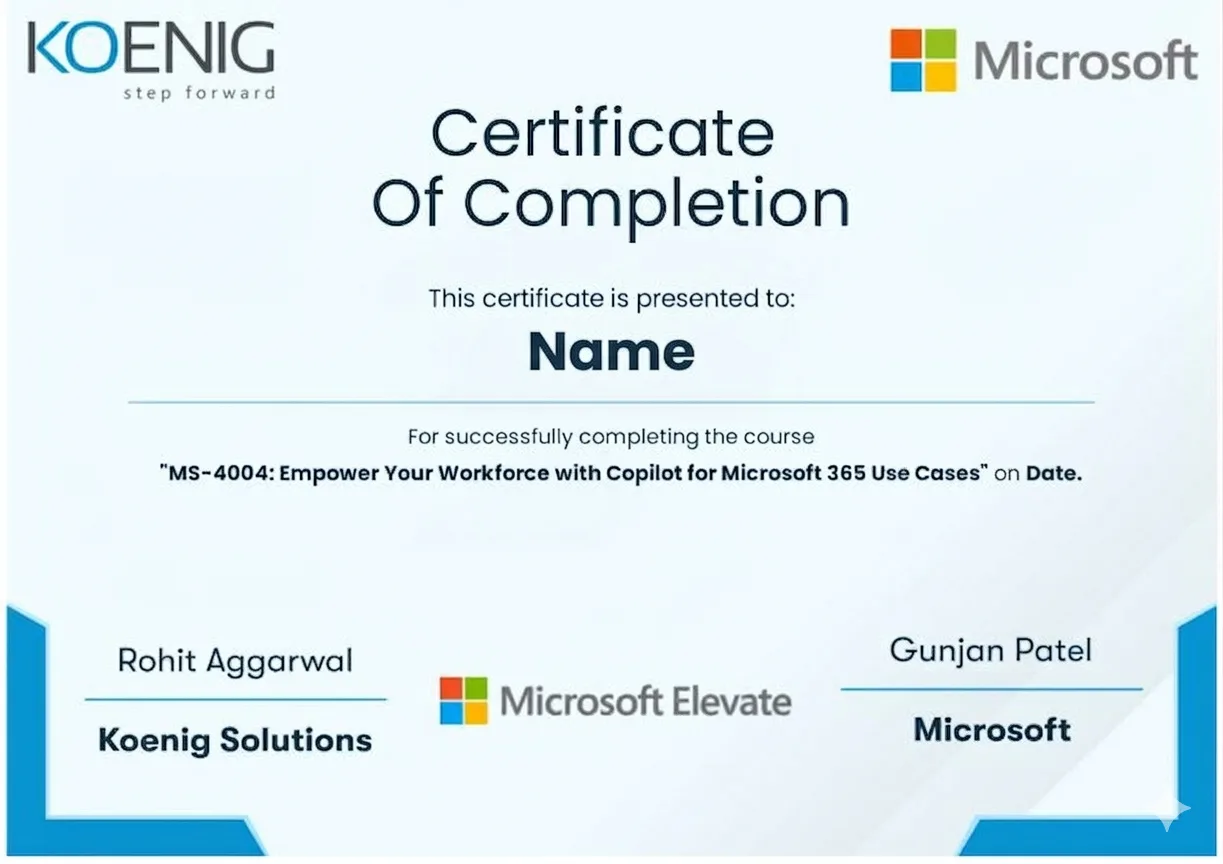
See what your official Workspace certification looks like. Download a sample — then let our advisors map the fastest path to earning the real one.
 GCP-PCEGoogle Professional Collaboration Engineer
GCP-GWAGoogle Workspace Administrator
GCP-GWSGoogle Workspace Sales Credential
GCP-GWMGoogle Workspace Migration Specialist
GCP-GWS-SECGoogle Workspace Security Specialist
GCP-GWS-DEPLOYGoogle Workspace Deployment Specialist
Official credential badges — shareable on LinkedIn
GCP-PCEGoogle Professional Collaboration Engineer
GCP-GWAGoogle Workspace Administrator
GCP-GWSGoogle Workspace Sales Credential
GCP-GWMGoogle Workspace Migration Specialist
GCP-GWS-SECGoogle Workspace Security Specialist
GCP-GWS-DEPLOYGoogle Workspace Deployment Specialist
Official credential badges — shareable on LinkedIn
Four formats. One quality standard. Every option comes with the same expert instructors, official courseware, and money-back guarantee.
Every factor that determines whether you actually pass your Workspace exam — rated across every training format available.
| Criteria | Koenig | ALP Provider | Legacy Provider | Self-Paced Platform | Free Platform |
|---|---|---|---|---|---|
| Trainer Quality & Credentials | |||||
| MCT-Certified Trainers | |||||
| Live Instructor-Led Delivery | Partial | ||||
| 1-on-1 Private Training | Partial | ||||
| Microsoft Authorization | |||||
| Official Microsoft ALP Status | |||||
| Official Microsoft Courseware | Partial | Partial | |||
| ESI / EA Credits Accepted | |||||
| Flexibility & Access | |||||
| Any-Day / Flexi Start | |||||
| On-Site or Fly-Me Trainer | Partial | Partial | |||
| Global Delivery Reach | Partial | Partial | |||
| Results & Trust | |||||
| Exam Pass Rate | High | Not Published | Not Published | Not Published | Not Published |
| Entry Price (Fundamentals) | ~$650 | ~$1,500+ | $15-30/mo | Free | Free |
| Verified Learner Reviews | 18,400+ · 4.9★ | Limited | Limited | Not Applicable | Not Applicable |
Data sourced from public pricing pages and review platforms. Accurate as of March 2026. Partial = available in select regions only.
Verified reviews from learners certified on Azure, AI, Security, and more.
From our headquarters in India to training centers across UAE, Iraq, Saudi Arabia, UK, USA, Singapore, Australia, and more — Koenig delivers Microsoft certification training in 195+ countries.