
Unable to find what you're searching for?
We're here to help you find itMaster UX workflows by designing wireframes and interactive prototypes in Figma, Adobe XD, and Sketch. Koenig provides hands-on labs and real-world projects to ensure career-ready design skills.
500K+ certified professionals



























Explore Wireframing and Prototyping certification and training courses — delivered live by certified instructors.
Wireframing and Prototyping is a design methodology used to create visual and interactive representations of digital products, enabling teams to plan structure, test functionality, and gather feedback before development. Published by leading design platforms such as Figma, Adobe XD, and Axure, it solves the problem of misaligned expectations by providing a shared, testable vision of a product’s user interface and user experience. Within the vendor ecosystem, it sits at the core of the UX design workflow, bridging conceptual ideas and final implementation. Key components include Figma, a cloud-based design tool for creating low- to high-fidelity wireframes and interactive prototypes with real-time collaboration; Adobe XD, which enables designers to build wireframes, mockups, and voice-enabled prototypes integrated within the Adobe Creative Cloud suite; and Axure RP, a specialized tool for complex, high-fidelity prototypes with conditional logic and dynamic content. Additional tools like Miro and Lucidchart support early-stage wireframing through collaborative whiteboarding and diagramming, facilitating team alignment on user flows and information architecture. This technology is for UX designers, product managers, and UI developers who need to validate design concepts, test user interactions, and streamline handoffs to engineering teams. By enabling early and iterative feedback, wireframing and prototyping reduce rework, improve usability, and ensure that final products meet user needs effectively.
UI/UX Design Principles
Apply core UI/UX concepts like user flows and usability heuristics
Figma Interface Navigation
Navigate Figma workspaces, layers panel, and design tools efficiently
Auto Layout Basics
Use Figma Auto Layout 4.0 for responsive frame structures
Component Management
Create and manage component instances in cloud-based design files
Wireframe Creation
Build low-fidelity wireframes and complete layout transitions in 30 minutes
Visual Design Fundamentals
Apply typography, color theory, and visual hierarchy in design projects
The building blocks every Wireframing and Prototyping solution is made of
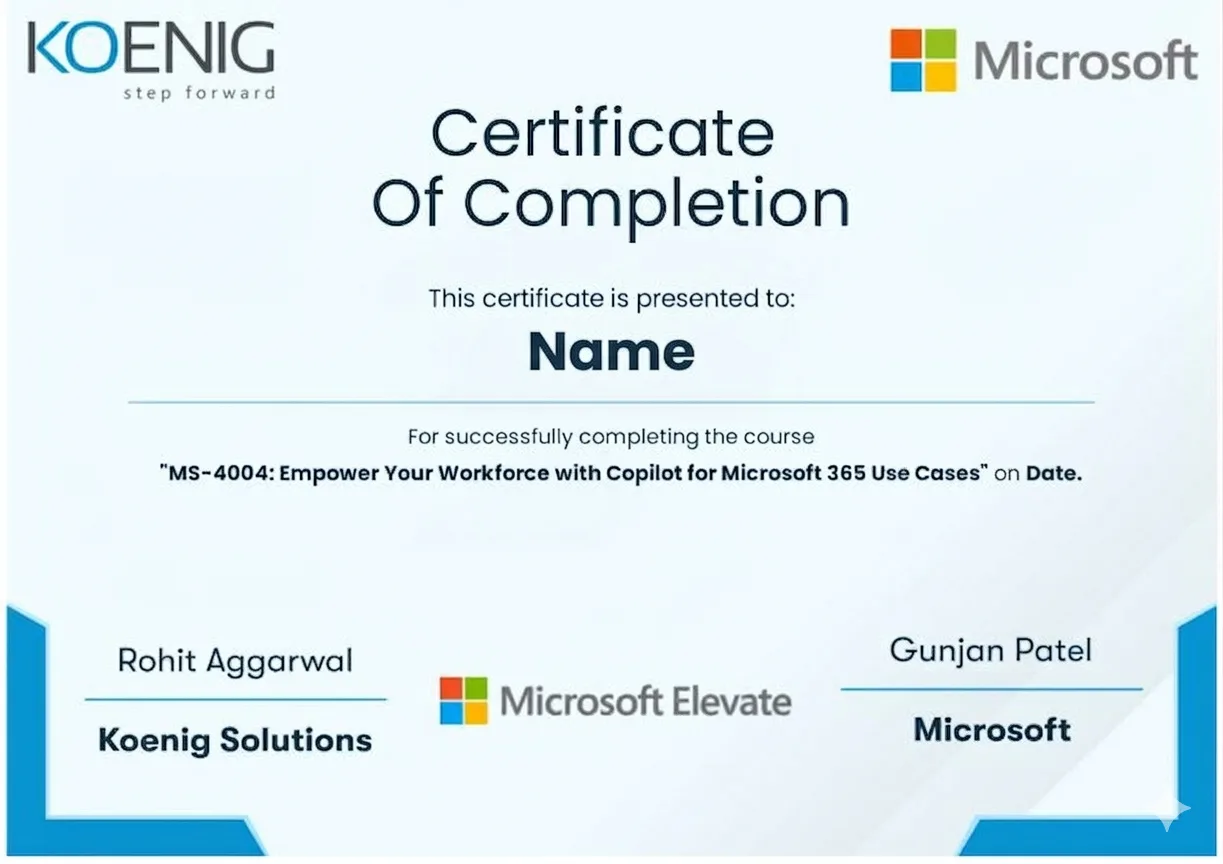
See what your official Wireframing and Prototyping certification looks like. Download a sample — then let our advisors map the fastest path to earning the real one.
 IBM SkillsBuildWireframing and Prototyping
Coursera CUXDUX Design Toolkit
Google UXUX Design
NN/g UX CertUX Certification
Coursera IBM UXUI/UX Designer
Figma CertifiedFigma Proficiency
Official credential badges — shareable on LinkedIn
IBM SkillsBuildWireframing and Prototyping
Coursera CUXDUX Design Toolkit
Google UXUX Design
NN/g UX CertUX Certification
Coursera IBM UXUI/UX Designer
Figma CertifiedFigma Proficiency
Official credential badges — shareable on LinkedIn
Four formats. One quality standard. Every option comes with the same expert instructors, official courseware, and money-back guarantee.
Every factor that determines whether you actually pass your Wireframing and Prototyping exam — rated across every training format available.
| Criteria | Koenig | Free Platform | Self-Paced Platform | ALP Provider | Legacy Provider | Note |
|---|---|---|---|---|---|---|
| Trainer Quality & Credentials | ||||||
| MCT-Certified Trainers | — | |||||
| Live Instructor-Led Delivery | Partial | — | ||||
| 1-on-1 Private Training | — | |||||
| Figma Authorization | ||||||
| Official Figma ALP Status | — | |||||
| Figma Official Courseware | Partial | — | ||||
| Figma Training Credits Accepted | — | |||||
| Flexibility & Access | ||||||
| Any-Day/Flexi Start | — | |||||
| On-Site or Fly-Me Trainer | Partial | — | ||||
| Global Delivery Reach | Partial | Partial | — | |||
| Results & Trust | ||||||
| Entry Price (Fundamentals) | ~$199 · best value | Free | $15-30/mo | ~$1,500+ | ~$6,000+ | Prices are estimates and vary by specific course duration and depth. |
| Verified Learner Reviews | 18,400+ · 4.9★ | 1.4M+ · 4.7★ | 16,500+ · 4.4★ | Limited | Limited | — |
Data sourced from public pricing pages and review platforms. Accurate as of March 2026. Partial = available in select regions only.
Verified reviews from learners certified on Azure, AI, Security, and more.
From our headquarters in India to training centers across UAE, Iraq, Saudi Arabia, UK, USA, Singapore, Australia, and more — Koenig delivers Microsoft certification training in 195+ countries.